


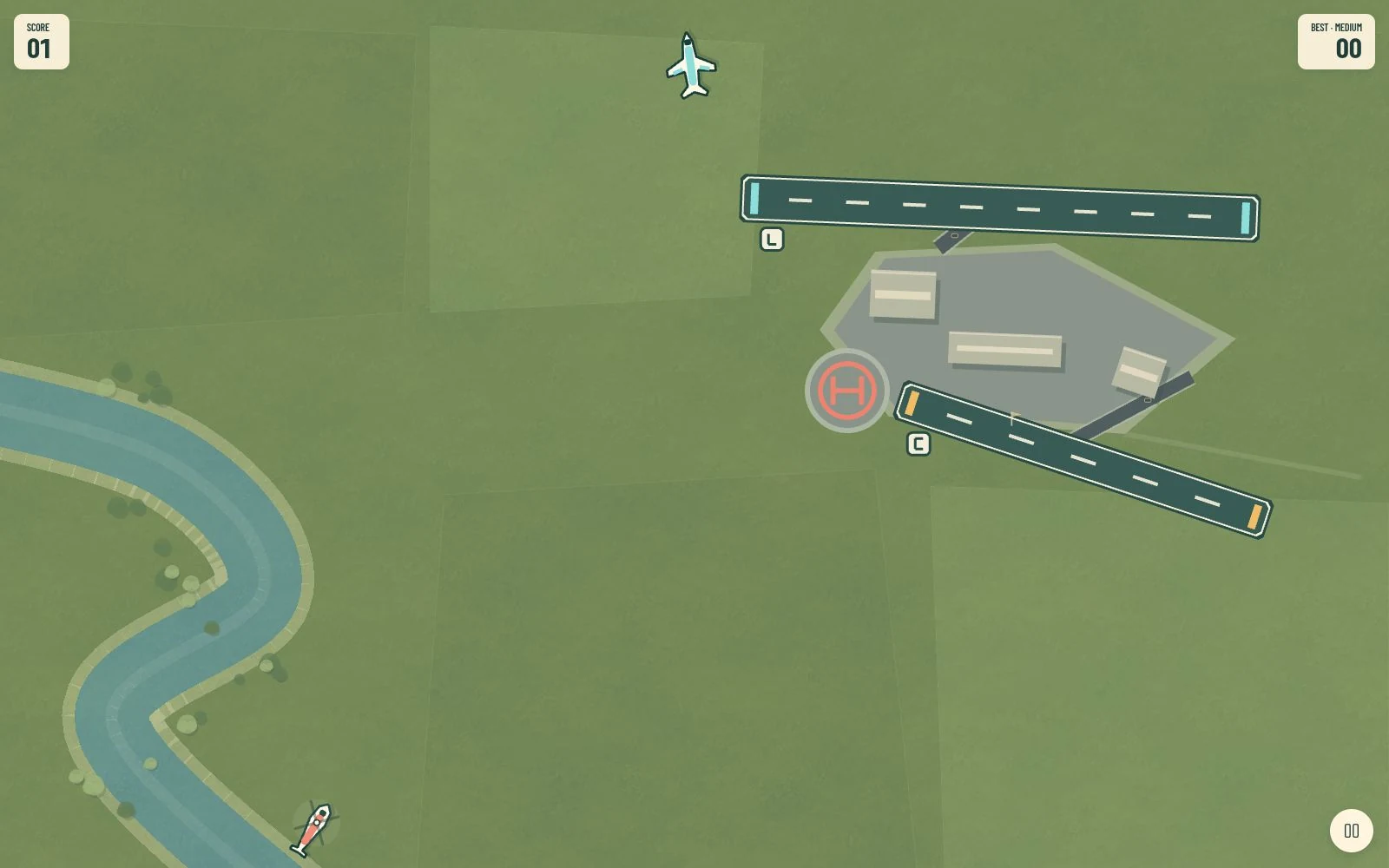
The renderer should display the rules
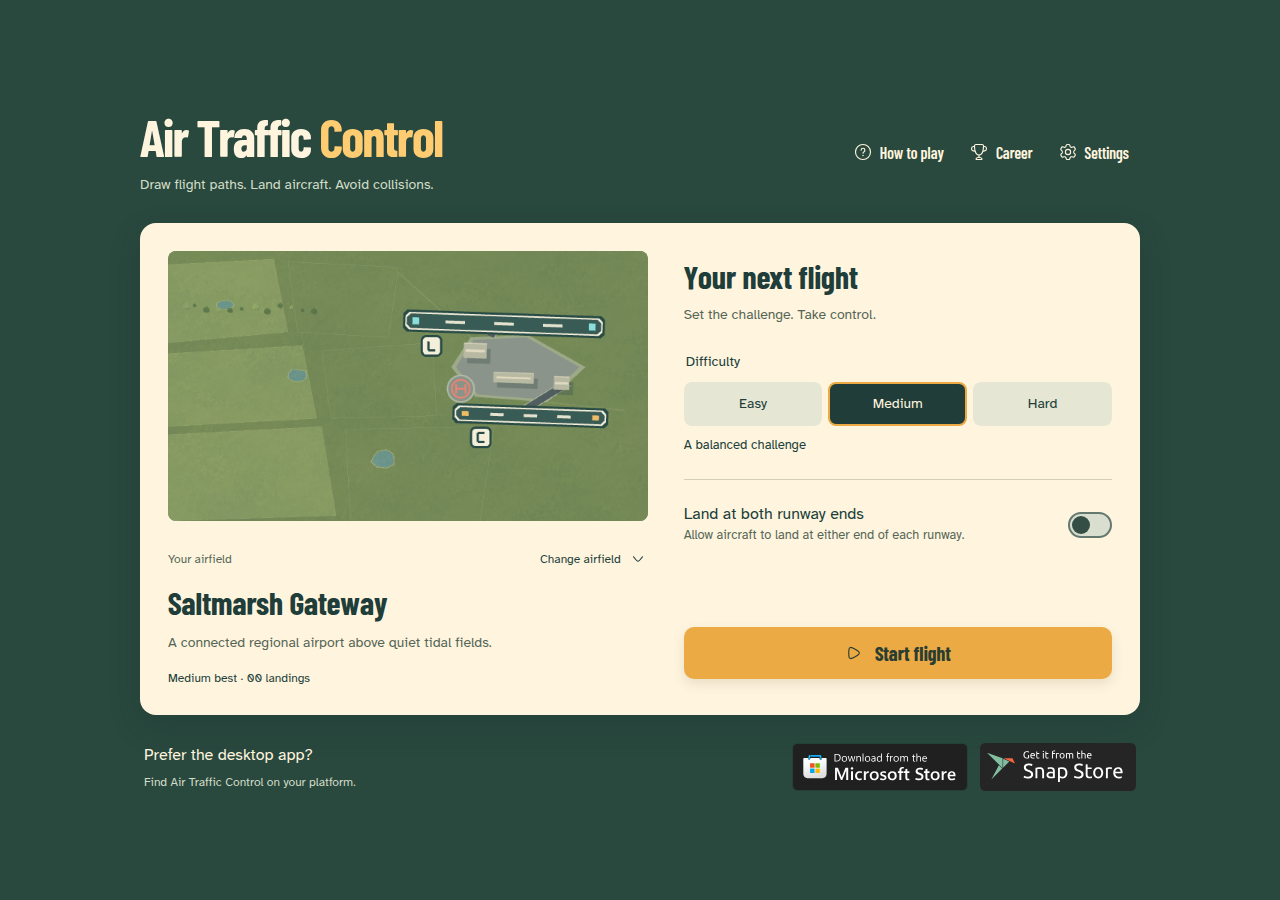
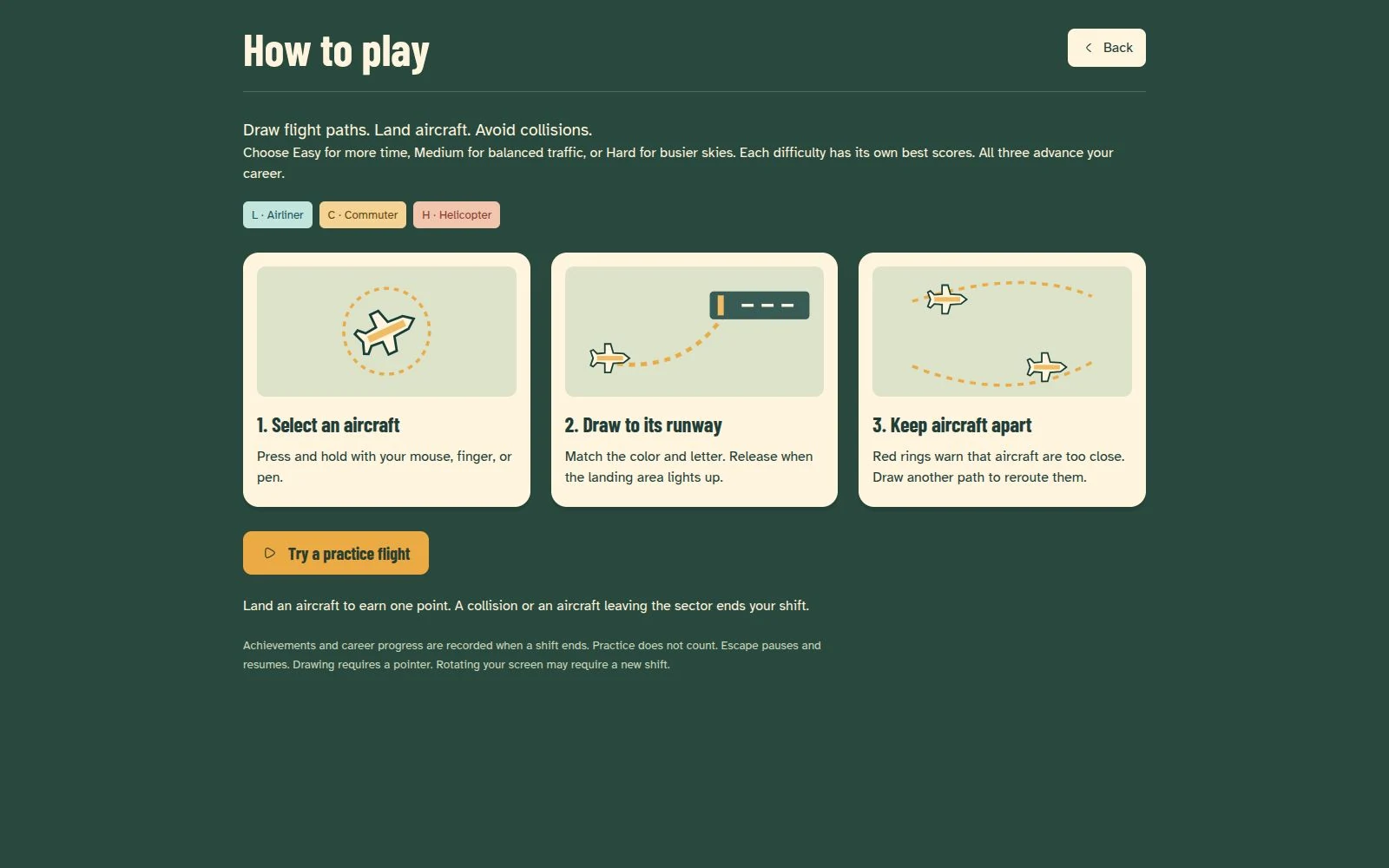
Air Traffic Control asks players to draw routes for airliners, commuter aircraft, and helicopters. The interaction is simple, but traffic pacing, landing checks, and collisions need a consistent model beneath the visuals.
The TypeScript simulation lives outside Phaser. It advances in fixed 1/60-second steps and uses seeded traffic generation. That boundary allows tests to exercise gameplay rules without creating a rendering scene. The fixed timestep describes the simulation, not a claim that every device renders at 60 frames per second.
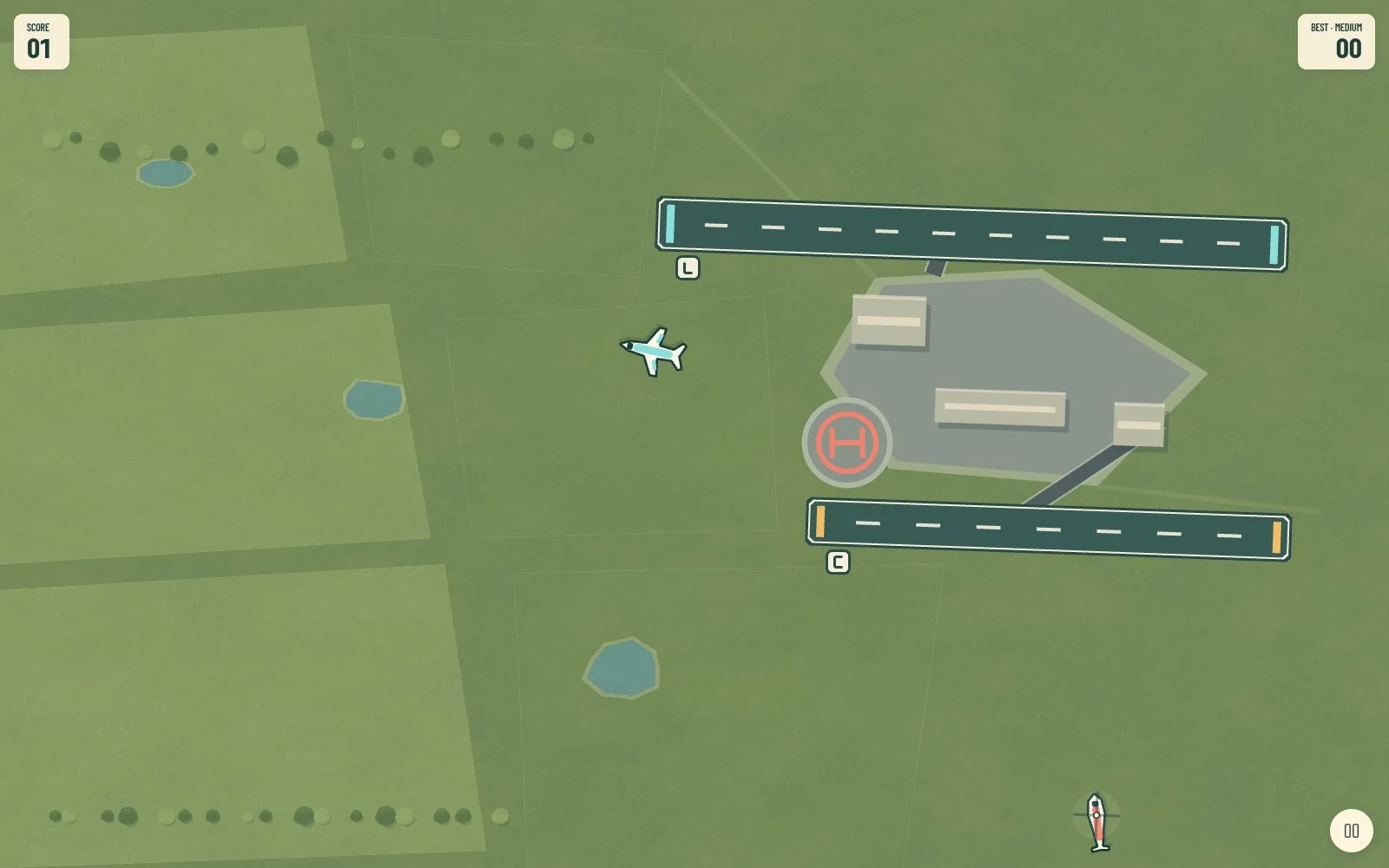
A warning ring is not an aircraft
The collision geometry follows aircraft outlines and headings. Selection halos, shadows, and helicopter rotor blur are excluded from fatal collision surfaces. These details matter because players make decisions from the visible scene.
Keeping geometry separate also gives route assignment, landing targets, and collision tests a common foundation rather than spreading the rules through drawing code.
Finish the shift before recording the result
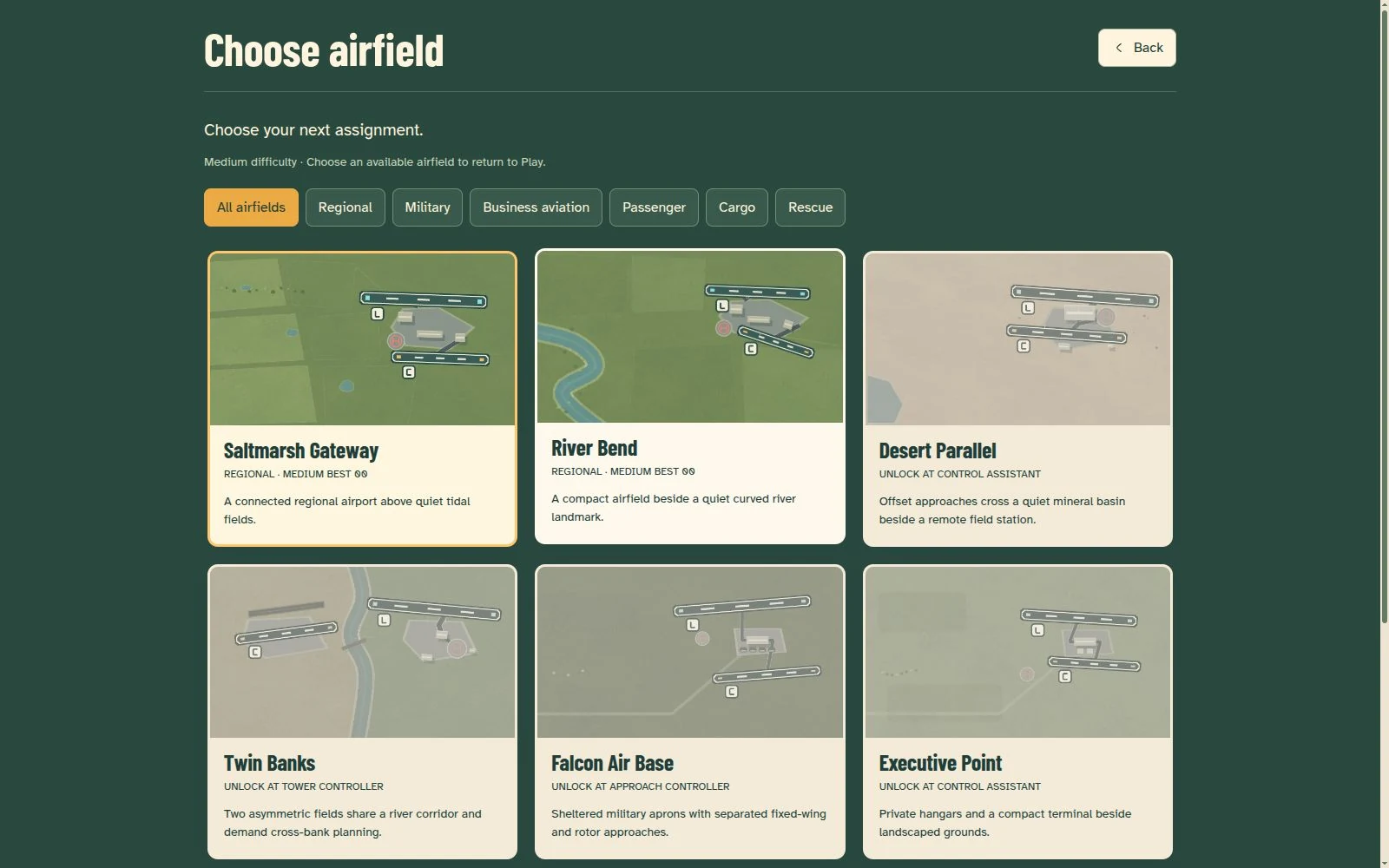
The game includes nine airfields, three difficulties, seven career ranks, and nine achievements. Progress is recorded when a shift finishes; practice, restarting, and abandoning a shift do not contribute results.
IndexedDB stores local progress and settings. Scores are separated by airfield, difficulty, and orientation. There is no account or cloud synchronization, and clearing site data can erase saves. Those limits are part of the product behavior.
Browser and desktop delivery, explicit offline limits
The browser build caches assets through a service worker after an online visit. The desktop game is available for Windows through the Microsoft Store and for Linux through the Snap Store. The Electron desktop build bundles the game for offline play. Browser and desktop versions use the same core rules, but their saves remain separate.
DOM menus support keyboard navigation while flight routing requires a pointer. Changes in screen size or orientation can require a restart. Real-device touch behavior and long-session difficulty balance still need broader playtesting; automated coverage does not replace that work.