

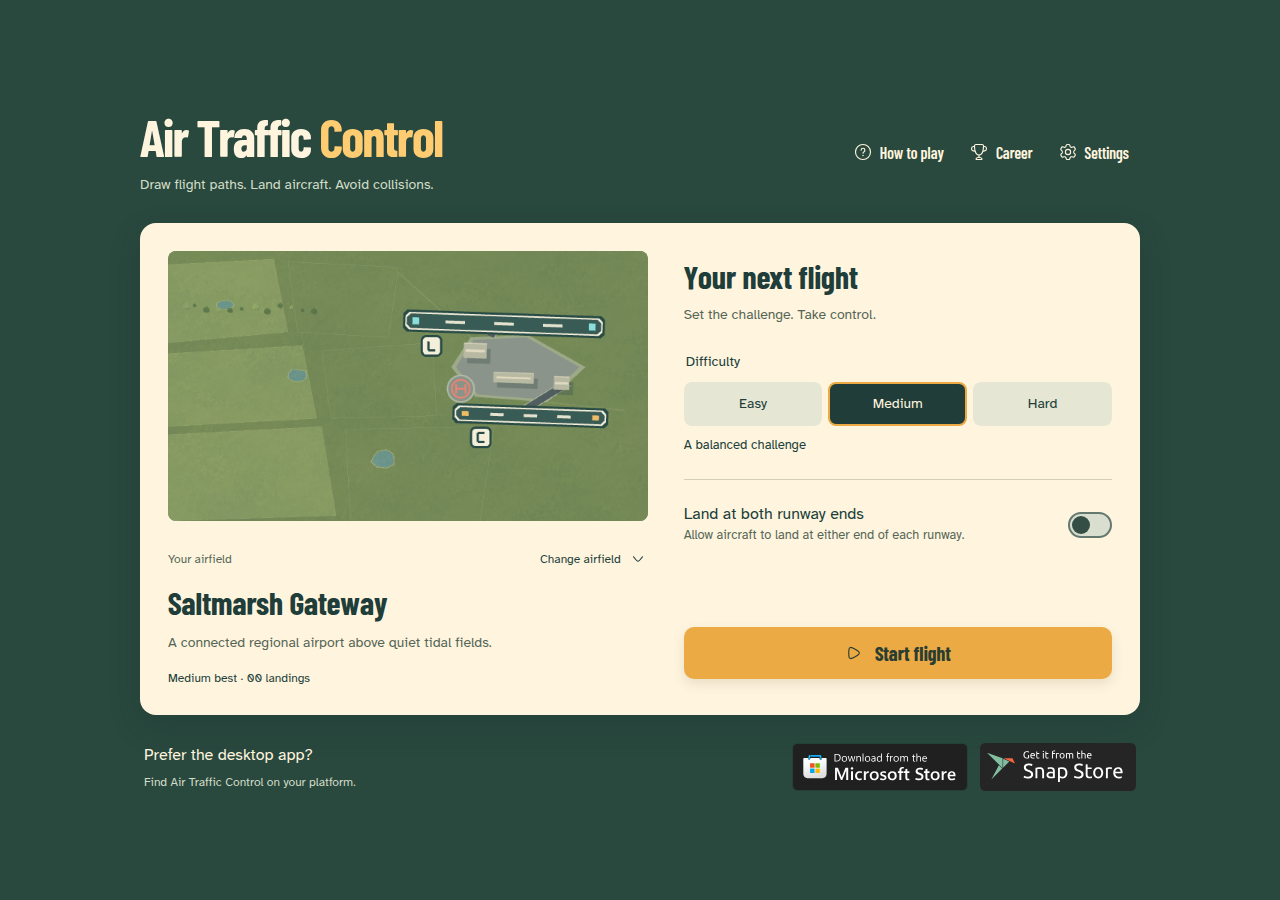
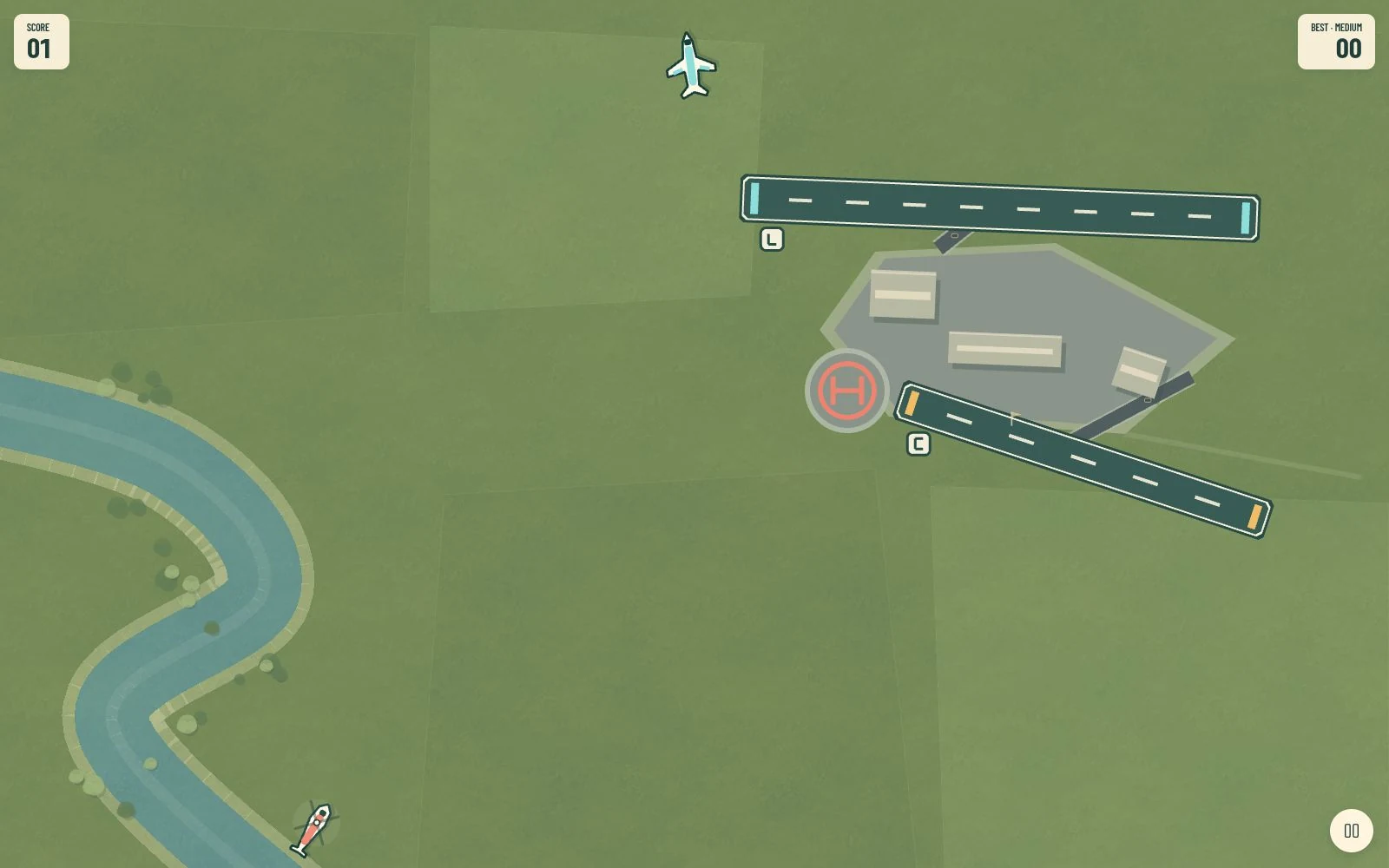
Draw flight paths. Land aircraft. Avoid collisions.
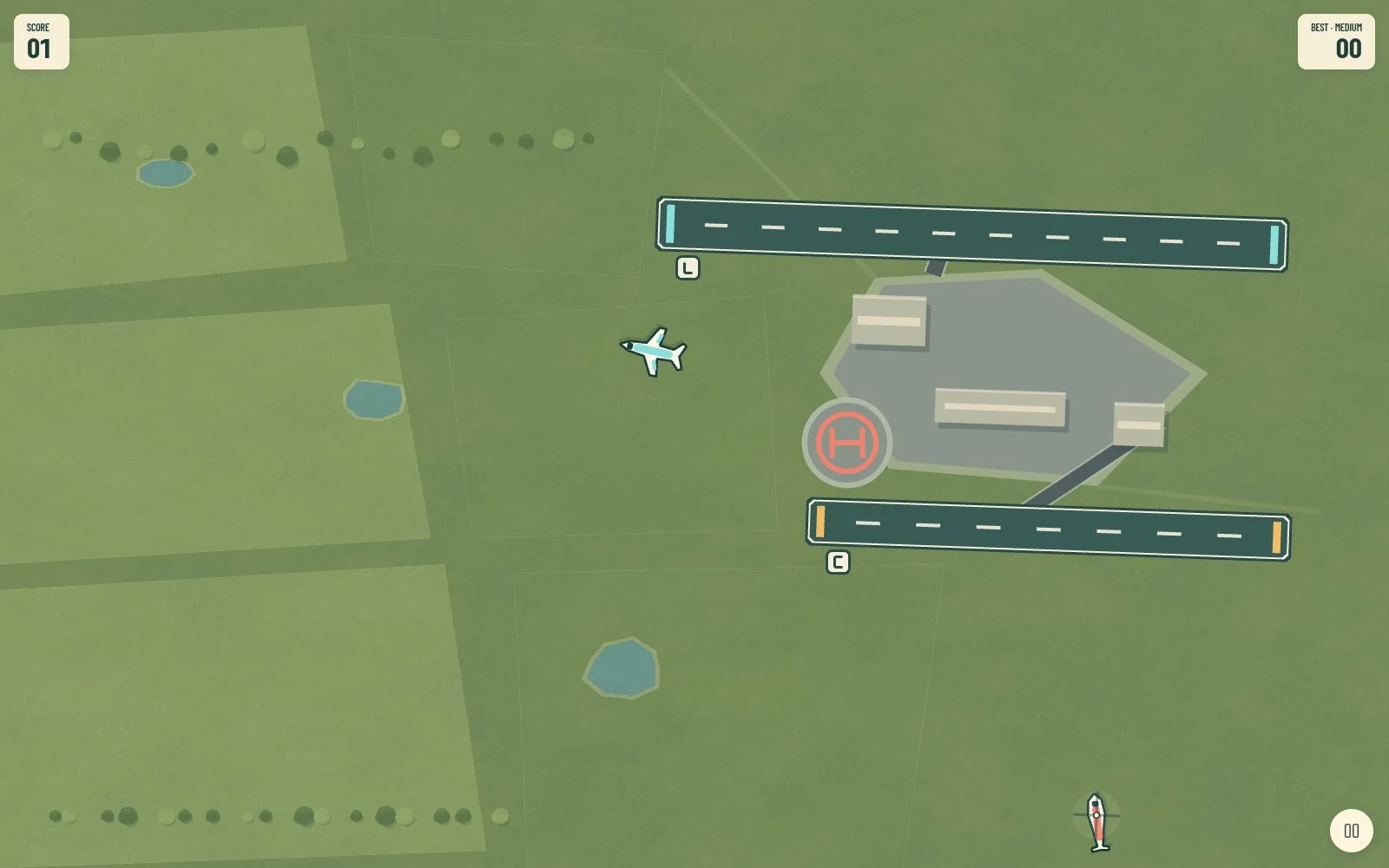
Air Traffic Control is an arcade game for browsers, Windows, and Linux. Guide airliners, commuter aircraft, and helicopters to their matching runways or helipads while keeping traffic apart.
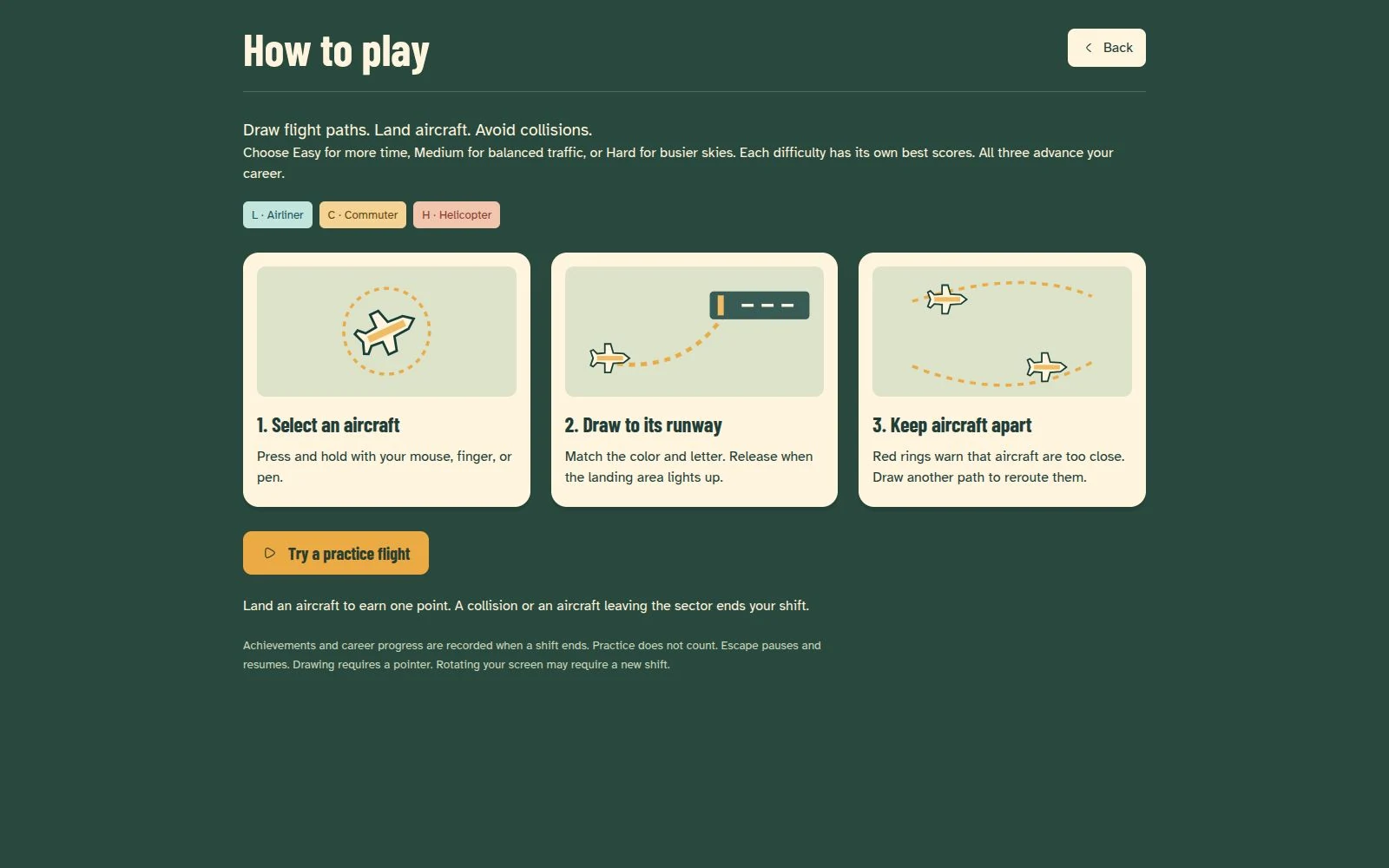
How to play
Choose an airfield and difficulty, then press an aircraft with a mouse, finger, or pen and draw its route. Release when the matching landing area lights up. Each safe landing earns a point; a collision or an aircraft leaving the sector ends the shift. A practice flight introduces the controls without changing your records.
Build a local career
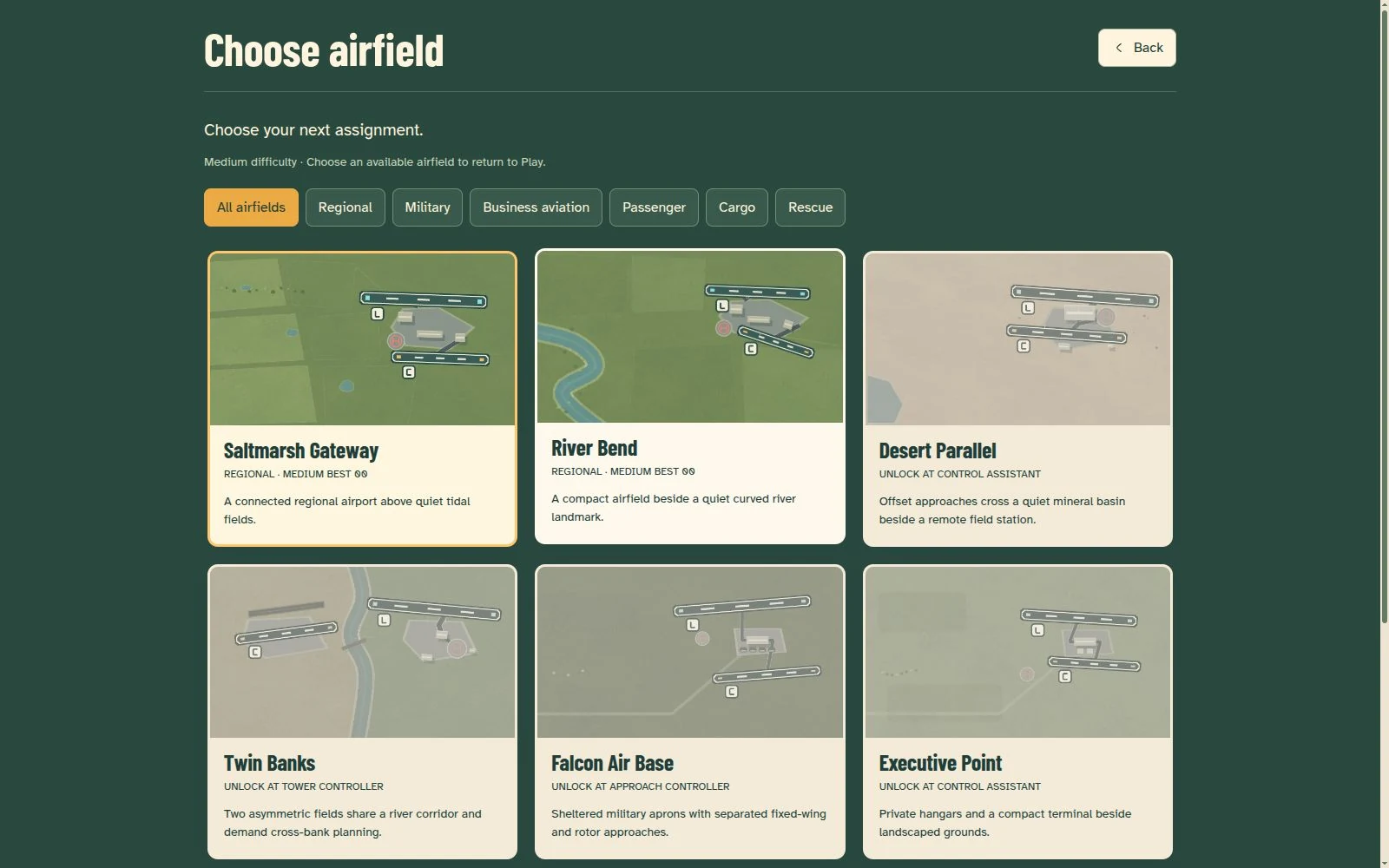
Start at Saltmarsh Gateway or River Bend and unlock more locations through career promotions. Nine airfields, three difficulty levels, seven ranks, and nine achievements provide different traffic challenges. Completed shifts count toward progression; practice, restarts, and abandoned shifts do not.
Play in your browser, on Windows, or on Linux
Play in the browser, install for Windows from the Microsoft Store, or install for Linux from the Snap Store. The browser version caches assets for offline use after an online visit. The Electron desktop version bundles the game for offline play.
Saves and controls
Progress and settings are stored locally in IndexedDB. Browser and desktop saves are separate, with no cloud synchronization or save export. Clearing site data can erase browser progress. Menus support keyboard navigation, but drawing flight paths requires a pointer. Resizing or changing orientation can require a shift restart.
Engineering
A TypeScript simulation handles traffic pacing, route geometry, and aircraft-shaped collision checks independently of Phaser rendering. Versioned local saves track progression. Vite produces the browser build and the assets bundled by Electron. Automated tests cover simulation, progression, storage, audio, and UI behavior; broader real-device testing and difficulty balancing remain ongoing.